

FitMatch measures your body from a photo, builds your avatar, and shows you how a piece will actually look and fit — so you order the right size the first time.
Free to start · iOS and Android
You do the first step once. After that, every piece you look at is checked against the profile you already made.
Upload a photo, use the camera, or enter your measurements. FitMatch reads your body data and builds your size profile.
Your profile becomes a personal avatar shaped like you — the thing every garment gets tried on.
Add a piece by link, upload or camera, and see it on your avatar instead of on a model who isn't your shape.
Get the recommended size for that specific piece, with a fit reading for chest, waist and length.
The four steps above, shown rather than described — from the piece you liked to the size that is actually yours.
 Watch how it works
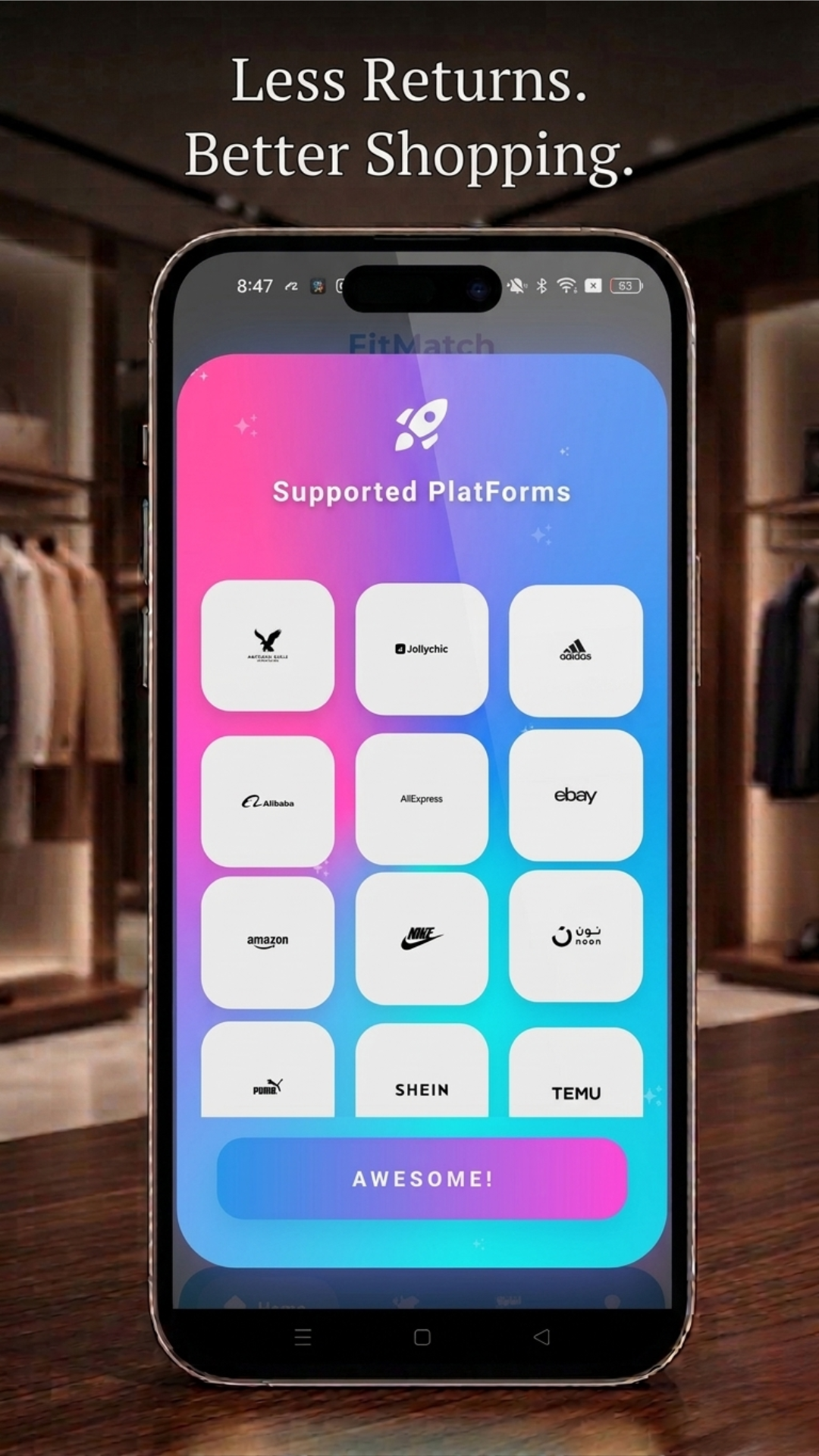
See a piece on your own avatar before you order it, from any store, a link, or a photo you took yourself.
Three ways to give FitMatch your measurements, so you can use whichever is easiest for you.
One clear answer for the piece in front of you — not a chart to translate into your own numbers.
An avatar built from your own body data, saved and reused every time you shop — and shareable with friends.
Add a profile for your partner, your kids or a friend, and shop for all of them from one account.
Your photos and measurements are yours. They are used to personalise your experience, not passed around.
Online, the one thing you cannot do is try it on. FitMatch puts that step back — with your body, not a model's.
A reading for the piece you are looking at — not a generic chart.
The same label means different things across brands, cuts and fabrics. FitMatch reads the piece against your measurements and tells you which size is yours.
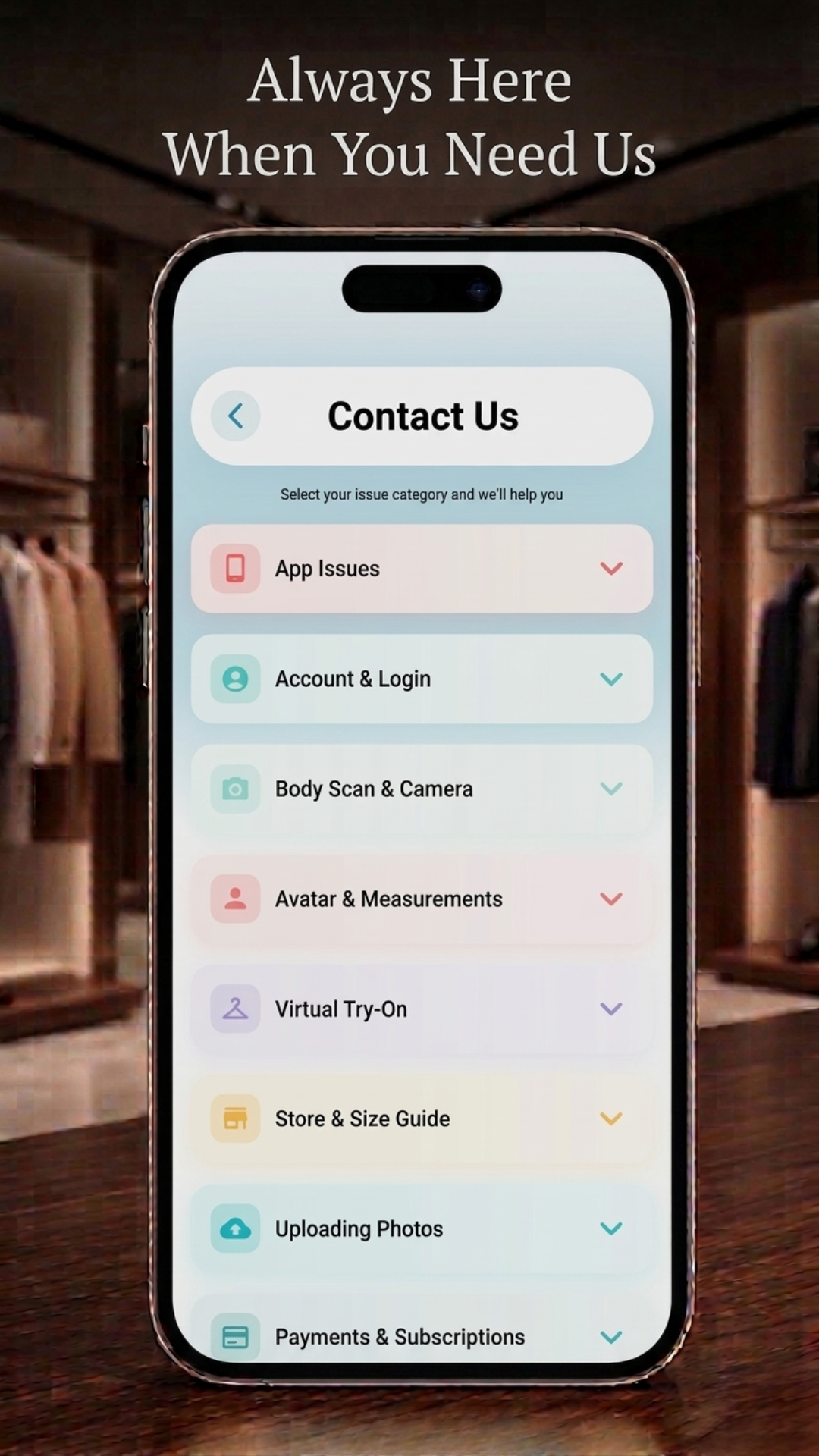
Real screens from the app, and a short clip of it in use — on iOS and Android.
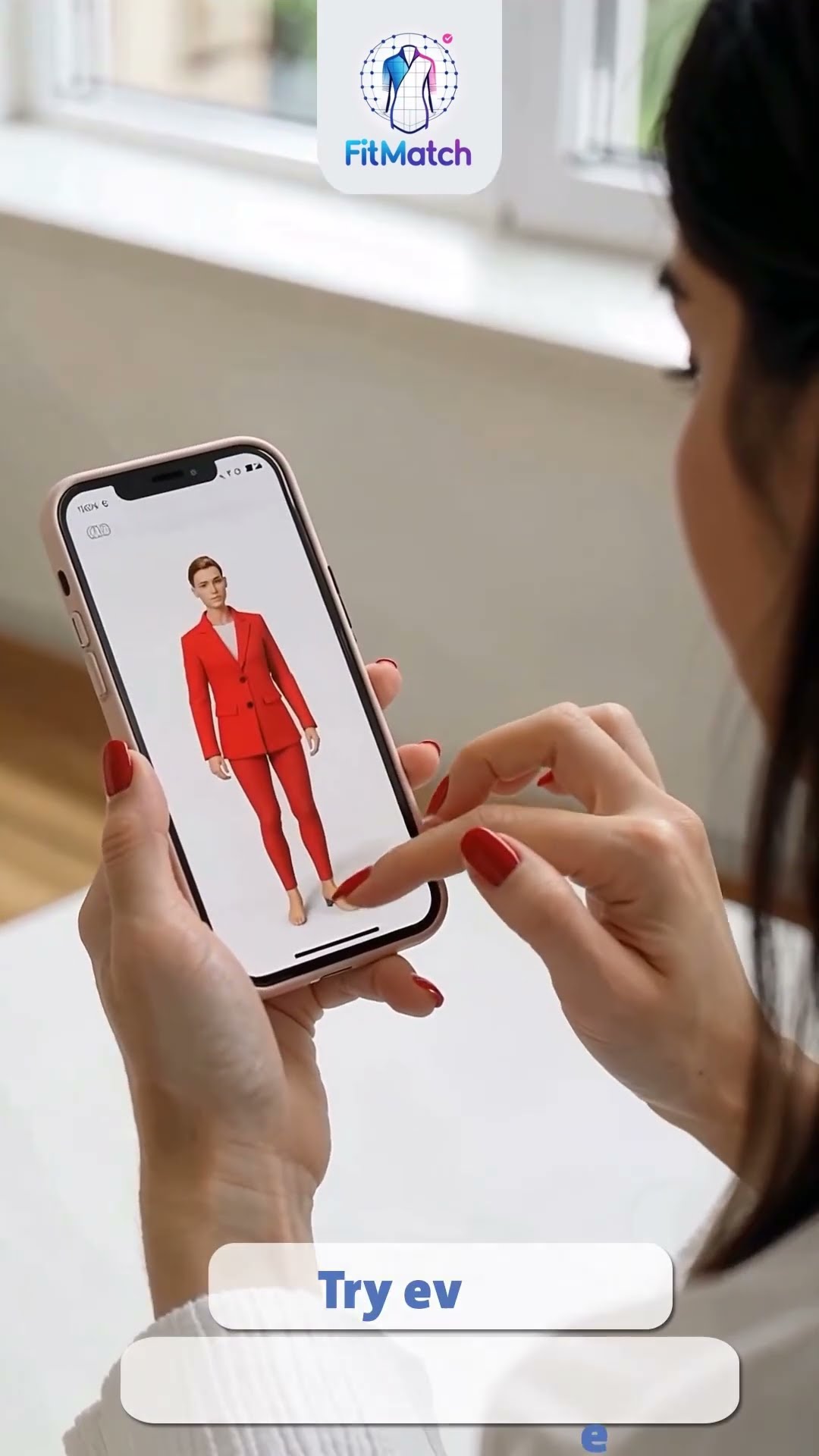 Video
Video
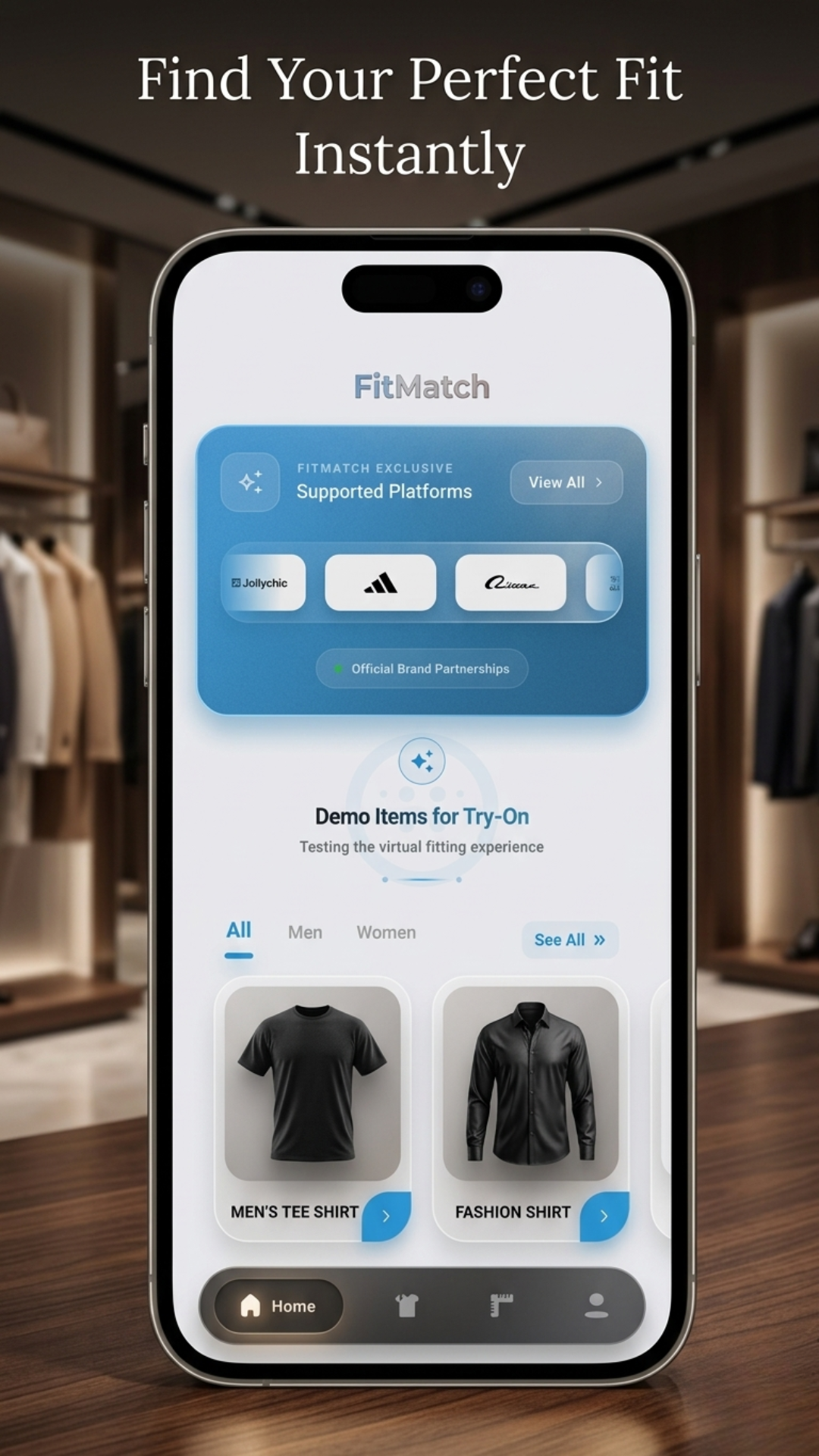
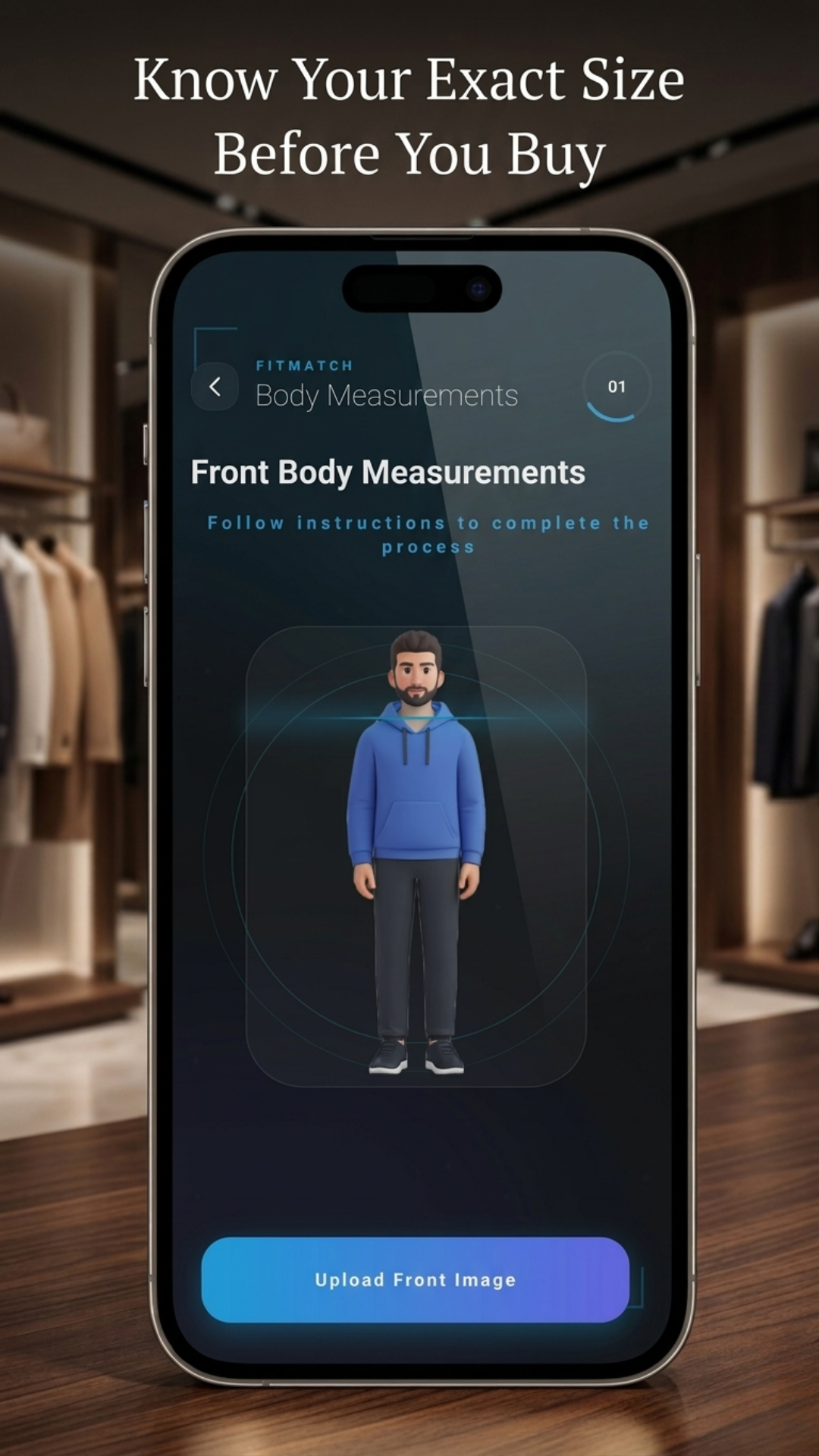
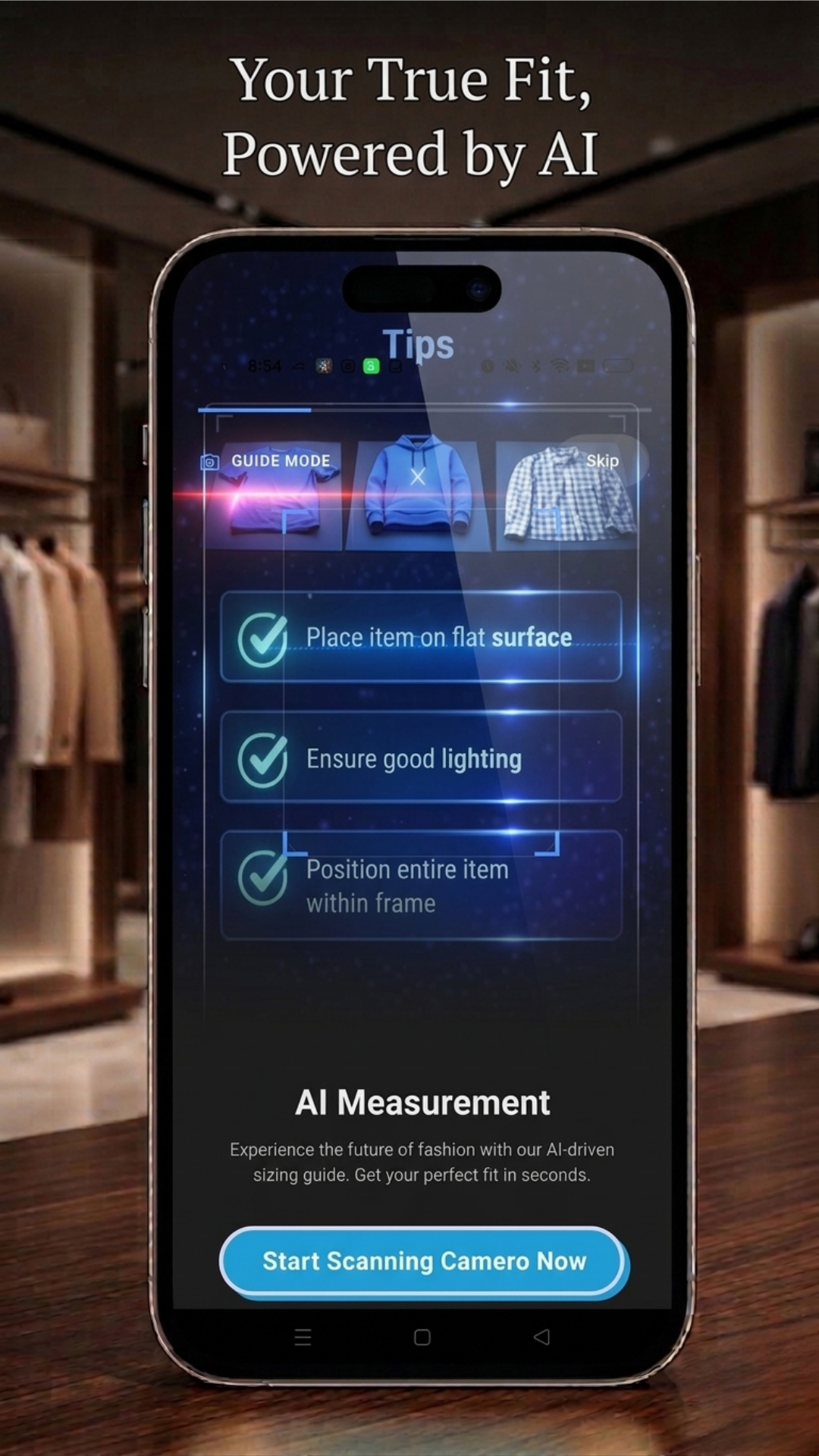
Every plan gives you the full experience. What changes is how many profiles you keep and how many try-on sessions you get.
Plans are managed inside the app on iOS and Android. Download FitMatch and choose your plan there.
FitMatch asks for body data because that is the only way to tell you your size. Here is what happens to it.
Yes. Create an account and use the free plan to see how FitMatch works before you decide on anything.
Three ways, and you pick the one you prefer: upload a photo, use the camera, or enter your measurements yourself.
FitMatch runs on modern iOS and Android devices. Keeping your operating system up to date gives the best experience.
A smartphone with an internet connection. Download the app, create your profile, and you are ready.
Yes. Paid plans let you keep several profiles, so you can shop for your partner, your children or a friend from one account.
One session is one garment tried on your avatar. Each plan includes a set number, and the Monthly plan includes the most.
Your photos and measurements are used to personalise your experience and are not shared with third parties without your consent. The full detail is in the privacy policy.
Inside the app, through your App Store or Google Play account.
Yes, that is a separate product. Visit the For Business page to see how FitMatch integrates with a fashion store.
Download FitMatch, build your avatar, and see the next thing you buy on you before it ships.